DE

4 min read

Replies and internal notes

Replies and notes share one timeline but have a strict boundary: replies are emailed, while notes stay within your team.

Verified September 9, 2026
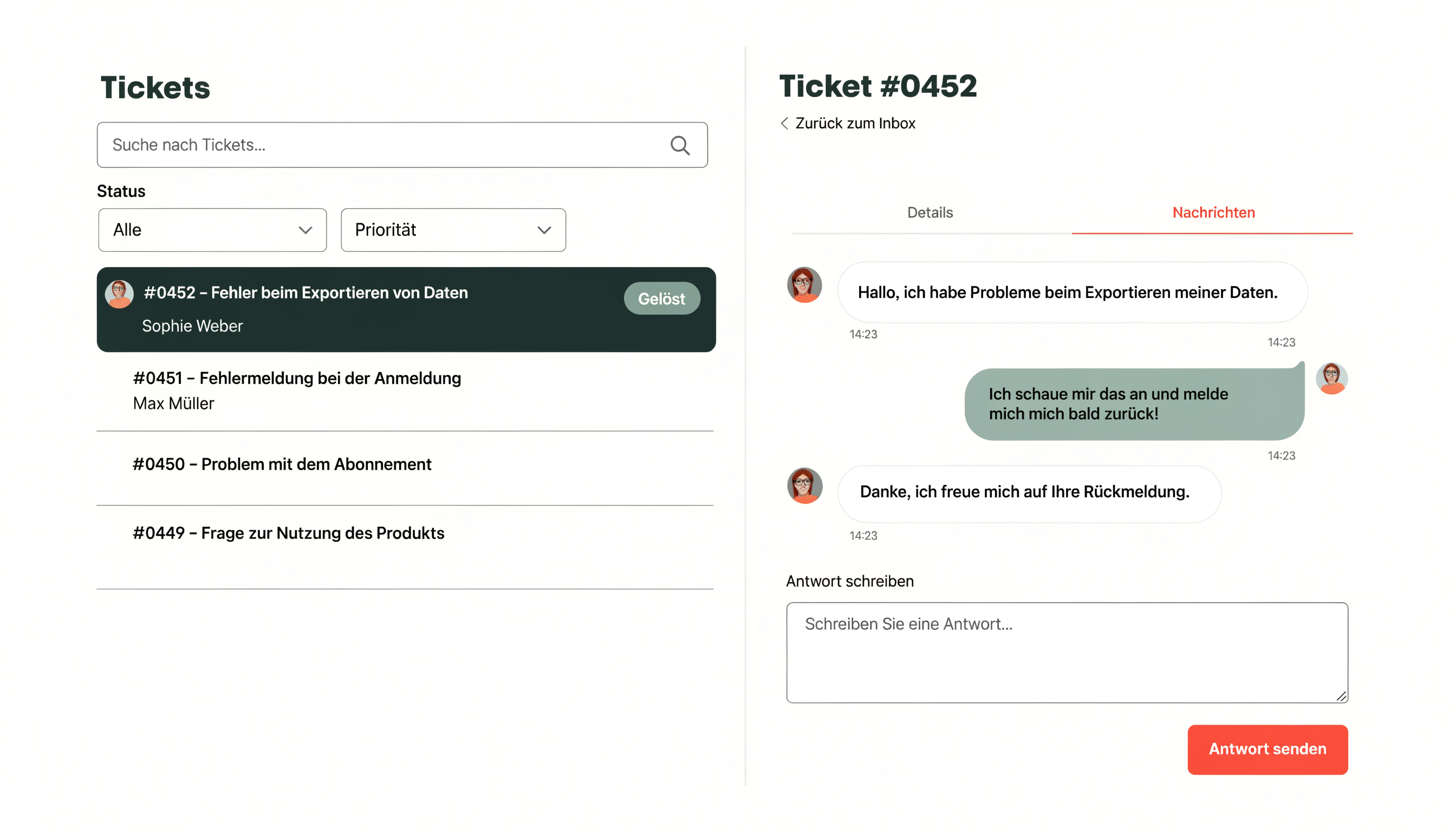
Ticket list and an open ticket with its conversation and reply field
The ticket list and conversation view in 1stlevel.tech.

Send a reply

  1. Open the ticket.
  2. Write under “Reply” or insert a response snippet.
  3. Optionally select attachments.
  4. Choose “Send reply”.
  5. Check the displayed delivery status.

Add an internal note

Use the amber note panel for handovers, team questions or technical details. Notes never appear in email, the requester status page or the public API.

Do not store passwords in internal notes either. Use a suitable password manager.

Contact

Still stuck?

Contact us if this guide does not fit your case. Include the affected area and exact error message, but never send passwords or API tokens.

Contact support