1. Verify your email address
Open the link in the verification email. The workspace, API and account settings remain locked until your address is verified. If the message is missing, request another one from the verification page.
2. Connect your support address
Copy your mailbox’s personal 1stlevel address from the setup assistant. At your email provider, forward your existing address, such as it@example.com, to that destination.
- Copy the forwarding destination.
- Save the forwarding rule at your email provider.
- Send a test message to your usual support address from a different address.
- Wait for the setup assistant to confirm receipt.
3. Open the ticket
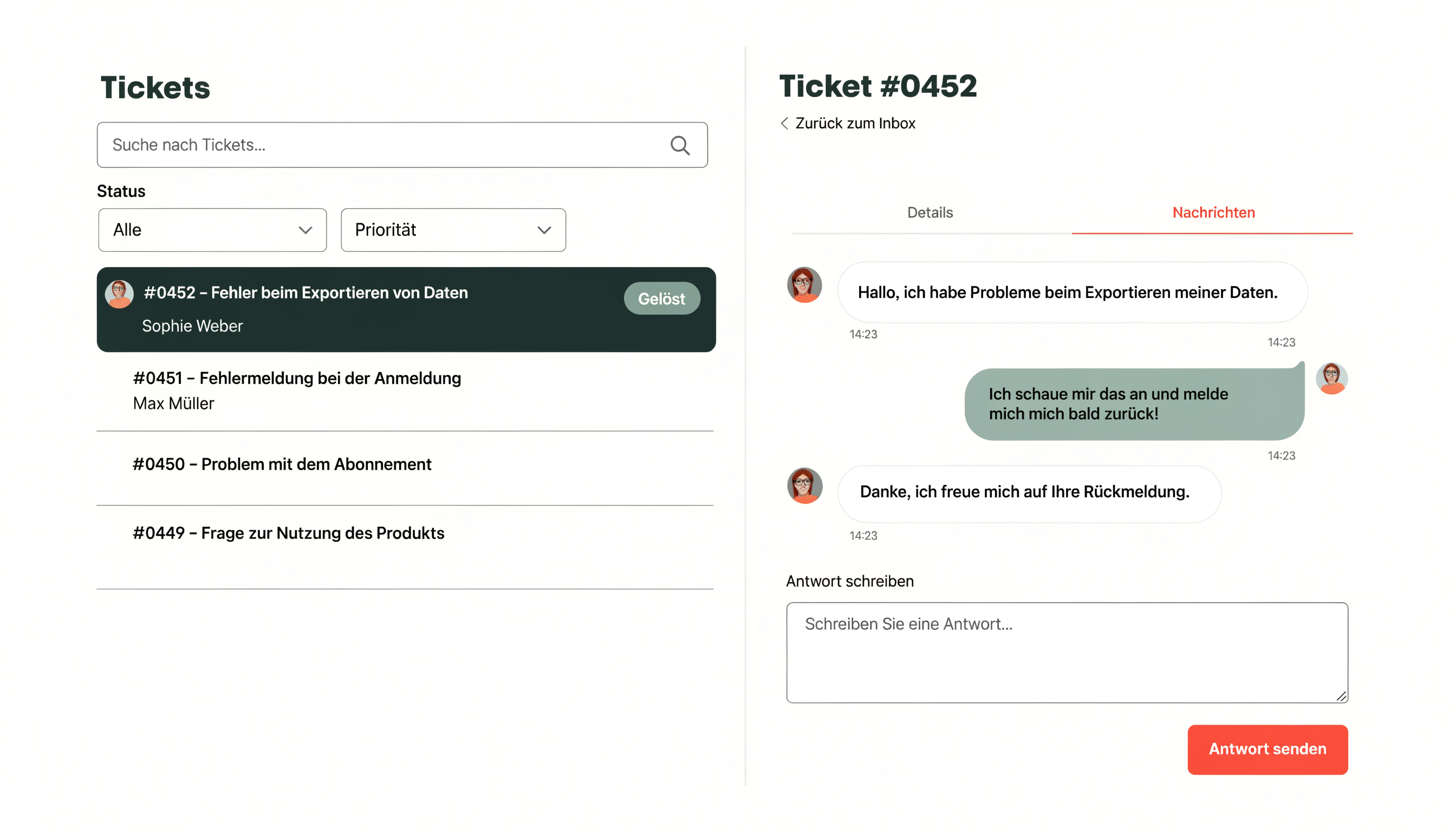
The test message appears in the ticket list. Open it, assign it to yourself and send a reply. The requester receives a normal email and can reply directly.