Test sequence
- Write to your normal support address from an external address.
- Open the new ticket in 1stlevel.tech.
- Send a short reply and check its delivery status.
- Reply to that message from the external mailbox.
- Confirm that the response appears in the same ticket.
What success looks like
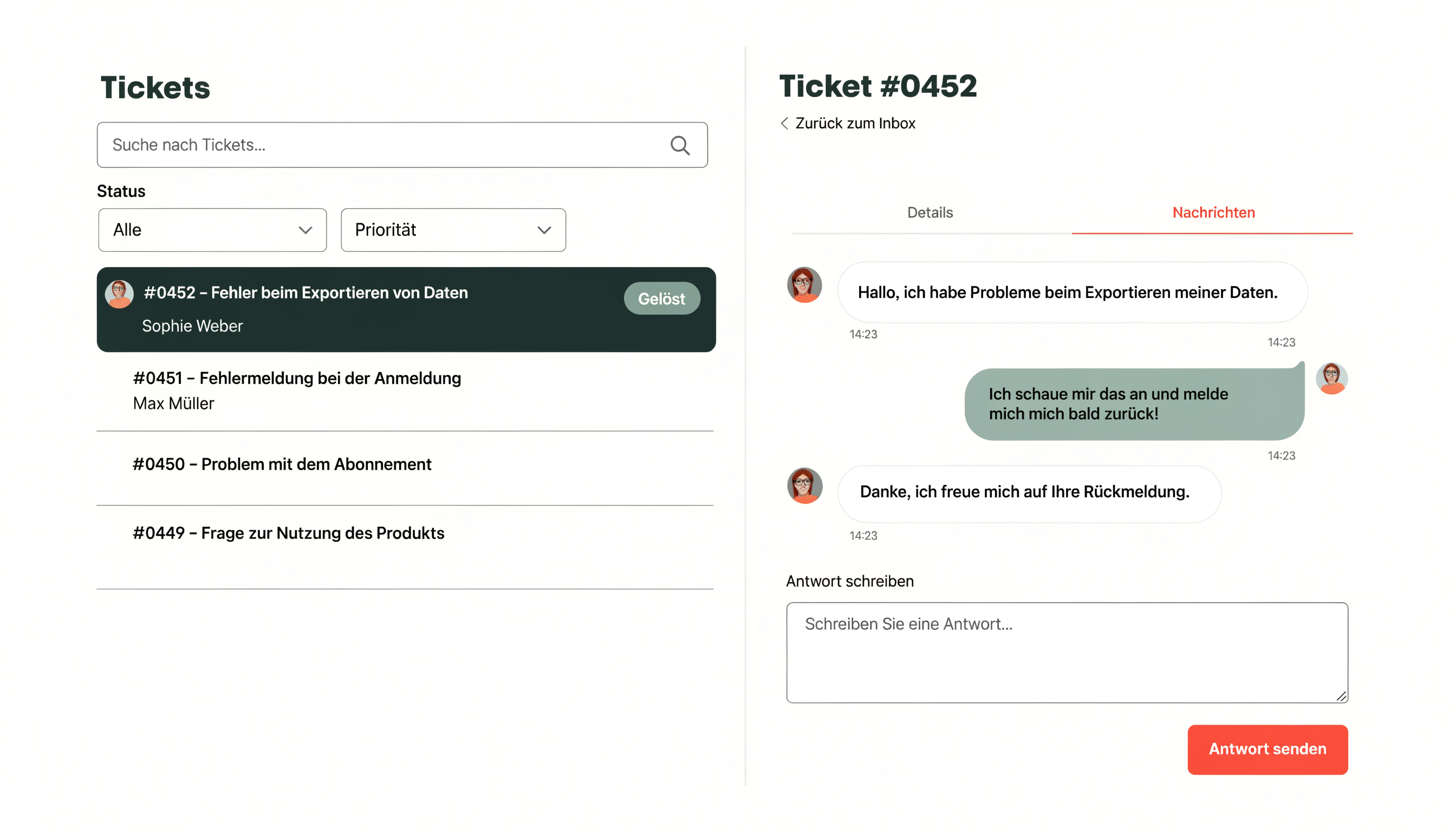
There is exactly one ticket. Its timeline contains the incoming message, your outgoing reply and the requester’s response. The ticket number stays the same.
Do not test only from the support mailbox itself. An external sender is closer to the real requester journey.